Automation does not remove operational responsibility
A production call center needs to know what is happening right now, not only what happened yesterday. This remains true when the active speaker is an AI agent. Supervisors need a view of active sessions, the ability to inspect a call, and clear intervention controls for unusual situations.
A live board creates basic situational awareness
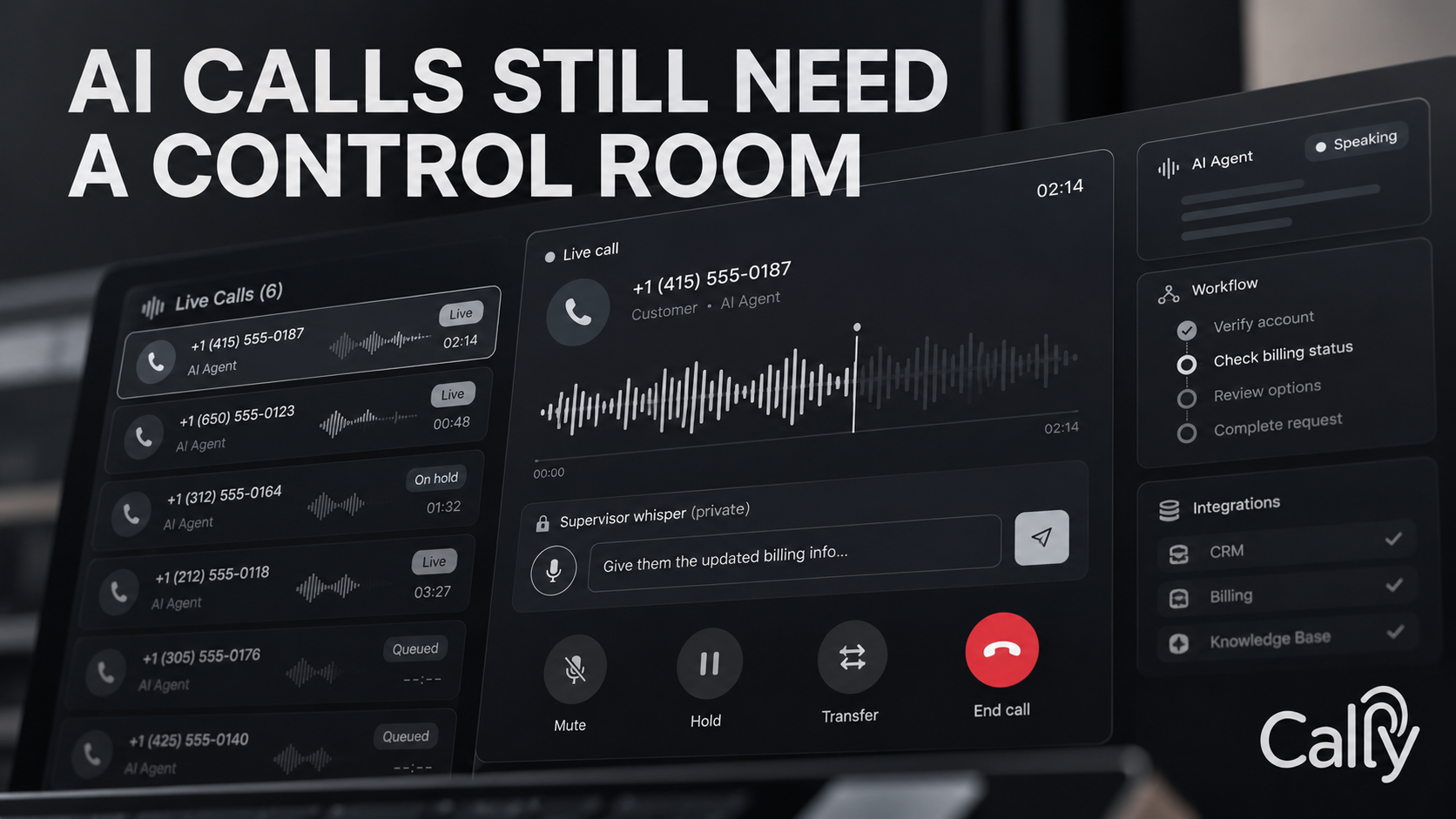
Cally’s live call board shows ongoing SIP sessions with agent name, caller number, duration, and connection status. That lets an operations lead see concurrency, unusually long calls, and whether sessions are actually alive. A heartbeat watchdog removes dead sessions when telemetry disappears, helping keep the board aligned with the telephony state.
Listen-in is the fastest diagnostic tool
Cally can stream authenticated two-way audio into the browser so a supervisor can privately hear the live interaction. This matters during pilots, new workflow launches, or incident response. A transcript can tell you what was recognized; live audio tells you what the caller is actually experiencing.
Whisper changes supervision from passive to active
A private agent-whisper feature lets a supervisor send a text instruction to the AI during the live call. The caller does not hear the instruction; the agent incorporates it into the next turn. This creates a middle ground between doing nothing and taking the call away from automation completely.
There must be hard-stop controls
Cally also supports supervisor-forced transfer and emergency hangup. Those controls are intentionally direct. When an operation becomes unsafe, inappropriate, or simply stuck, the supervisor needs a deterministic way to change the state of the call immediately.
For early deployments, treat live supervision like a launch console. Observe heavily at first, then reduce manual attention as the workflow earns trust.