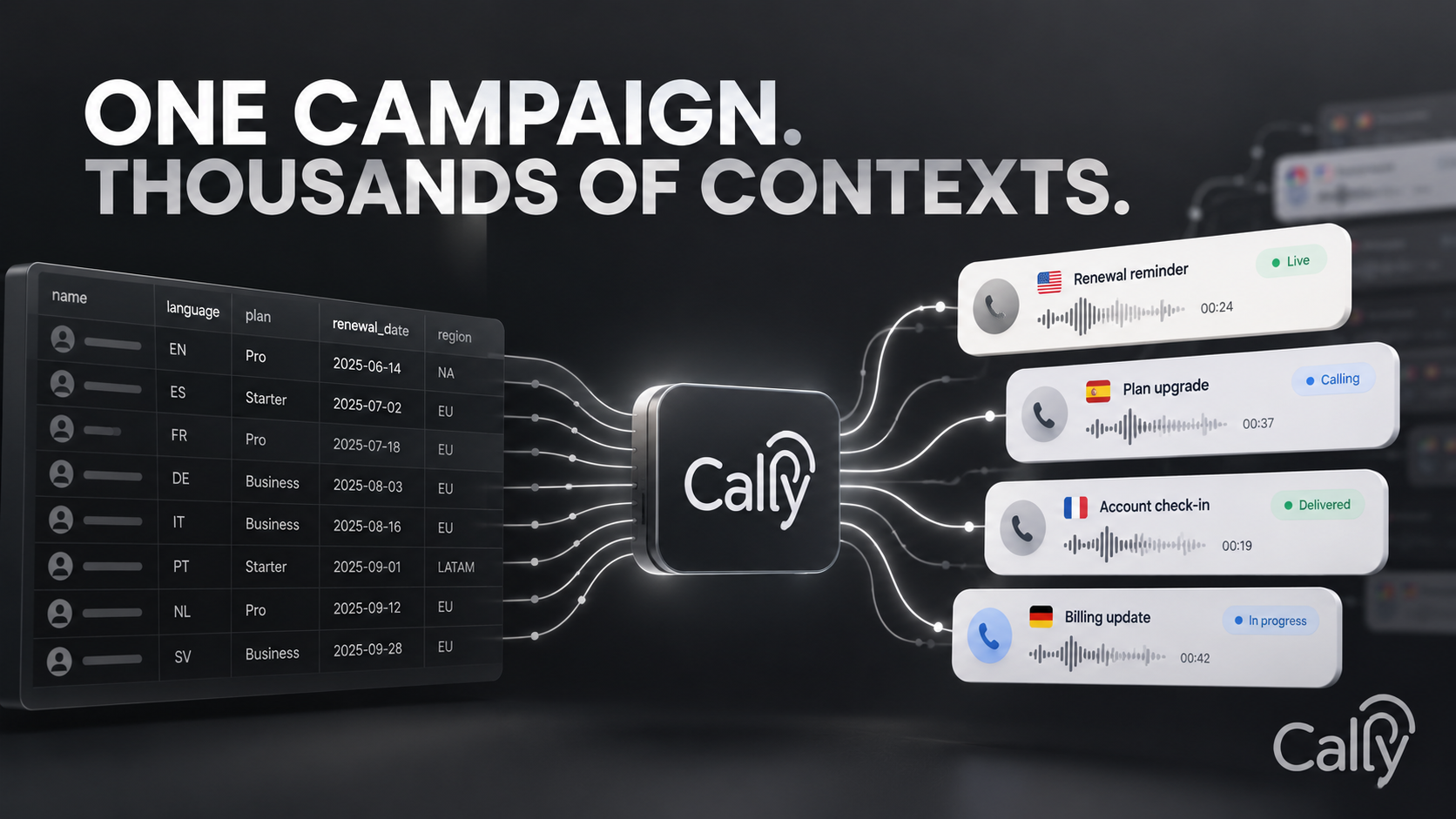
Personalization is usually a data problem before it is a language problem
Outbound teams often have the information they need already: customer name, account segment, renewal date, region, language, assigned representative, or open case type. The challenge is getting those fields into the call safely and consistently.
Cally maps audience data into context
The outbound module supports CSV import with automatic mapping for phone, name, email, and language, plus custom columns. Phone numbers can be normalized to E.164 and duplicates removed. Custom values become context variables the agent can reference during the conversation or pass into workflow conditions.
Context is not permission
Just because a field exists in a CSV does not mean the agent should read it aloud. Sensitive or internal-only values should be filtered at campaign design time. The best personalization uses the minimum context required to make the call relevant without surprising the recipient.
Use variables to drive behavior, not only greetings
Personalization can change more than “Hello, Sarah.” A language field can select the correct experience. An account tier can route to a different offer or support path. A renewal date can determine whether the call is informational or actionable. An open-case status can send the conversation straight to a support follow-up flow.
Keep one campaign operationally observable
The advantage of structured context is that teams can still analyze one campaign as a whole. Results, outcomes, failures, and conversion can be segmented by imported fields without maintaining dozens of hand-written scripts. The campaign remains one controlled system with many contextual paths.
Start with three personalization fields that materially change the conversation. If a field does not change what the agent says or does, it probably does not need to be in the calling context.